All product changelogs

DevMate

FiveM development and server-management updates.

View documentation
v2.0.1 release, fix, security whitigol

v2.0.1 - Reliable Resource Startup

DevMate v2.0.1 fixes resource startup and updates bundled dependencies to patched releases.

Fixed resource startup

DevMate v2.0.1 fixes an issue where the FiveM server runtime could fail to start the resource with a Cannot find module './impl/format' error.

The configuration parser is now bundled directly into the resource instead of attempting to load internal package files at runtime. Configuration parsing and migration behavior remain unchanged.

Security updates

The release rebuilds DevMate with patched user-interface and supporting dependencies, including a fix for newly disclosed DOM sanitization vulnerabilities. DevMate Desktop v1.0.1 also updates its Electron runtime and supporting dependencies to patched releases.

No configuration changes are required. Replace the existing DevMate resource with v2.0.1 and restart it normally.

v2.0.0 release, major whitigol, thelaw

v2.0.0 - A New DevMate

DevMate v2 introduces a rebuilt interface, Desktop companion, Event Watcher, Resource Explorer, and safer development workflows.
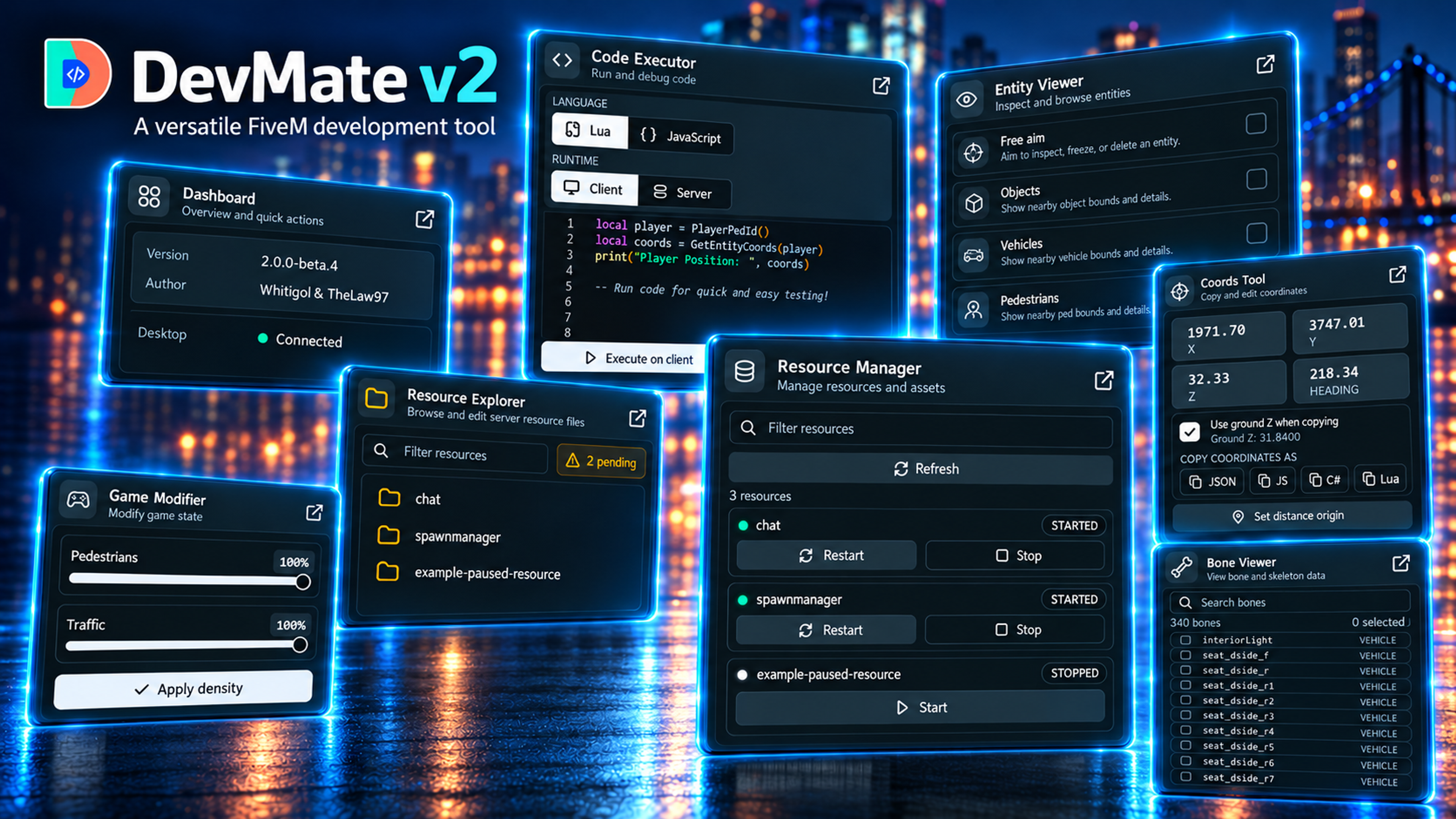
DevMate v2 product overview

DevMate v2 is here

DevMate v2 is a complete rebuild of the FiveM development toolkit. The new release brings the tools you use in game into a clearer interface, adds a Windows Desktop companion, and strengthens permission checks around sensitive actions.

Explore the new DevMate v2 documentation to install it or upgrade an existing server.

A new interface, in game and on Desktop

The redesigned in-game menu keeps each tool focused and makes permission requirements visible. DevMate Desktop mirrors the tools authorized for your current player in a full Windows workspace and connects automatically on the same computer—no pairing step required.

Desktop also adds live FiveM client logs with search, level filters, copying, log-file access, and client console commands.

New development tools

  • Event Watcher subscribes to client or server events and displays captured payloads as they happen.
  • Resource Explorer browses and edits server resource files through explicit, generated filesystem permissions.
  • Bone Viewer searches vehicle and pedestrian bones and displays selected bones in game.
  • Coords Tool now copies JSON, JavaScript, C#, or Lua coordinates, supports ground Z, and measures distance from a saved origin.

The Entity Viewer, Resource Manager, Code Executor, OneSync Blip, and Game Modifier have all been brought into the new shared interface.

Safer server workflows

  • Server permissions are enforced for every tool, including actions sent from Desktop.
  • Unauthorized modules stay visible and explain that access is required.
  • Resource stops and restarts require confirmation and use the configured Safe Restart delay.
  • Resource Explorer rejects unsafe paths and binary or oversized files.
  • Pending actions report timeouts and connection failures instead of waiting indefinitely.

Easier updates

DevMate can now download and verify resource updates during server startup while preserving protected configuration and permission files. Existing supported configurations migrate to the v2 format automatically.

DevMate Desktop also updates itself. The resource resolves the latest published Windows installer dynamically, so the Dashboard download always points to the current release.

Version compatibility

DevMate resource v2.0.0 and DevMate Desktop v1.0.0 establish the stable Desktop bridge. Their version numbers are intentionally independent, and either product can be upgraded first while baseline tools remain compatible.

v1.0.0 release whitigol, thelaw

v1.0.0 - Initial Release

The initial release of DevMate and a preview of upcoming development tools.

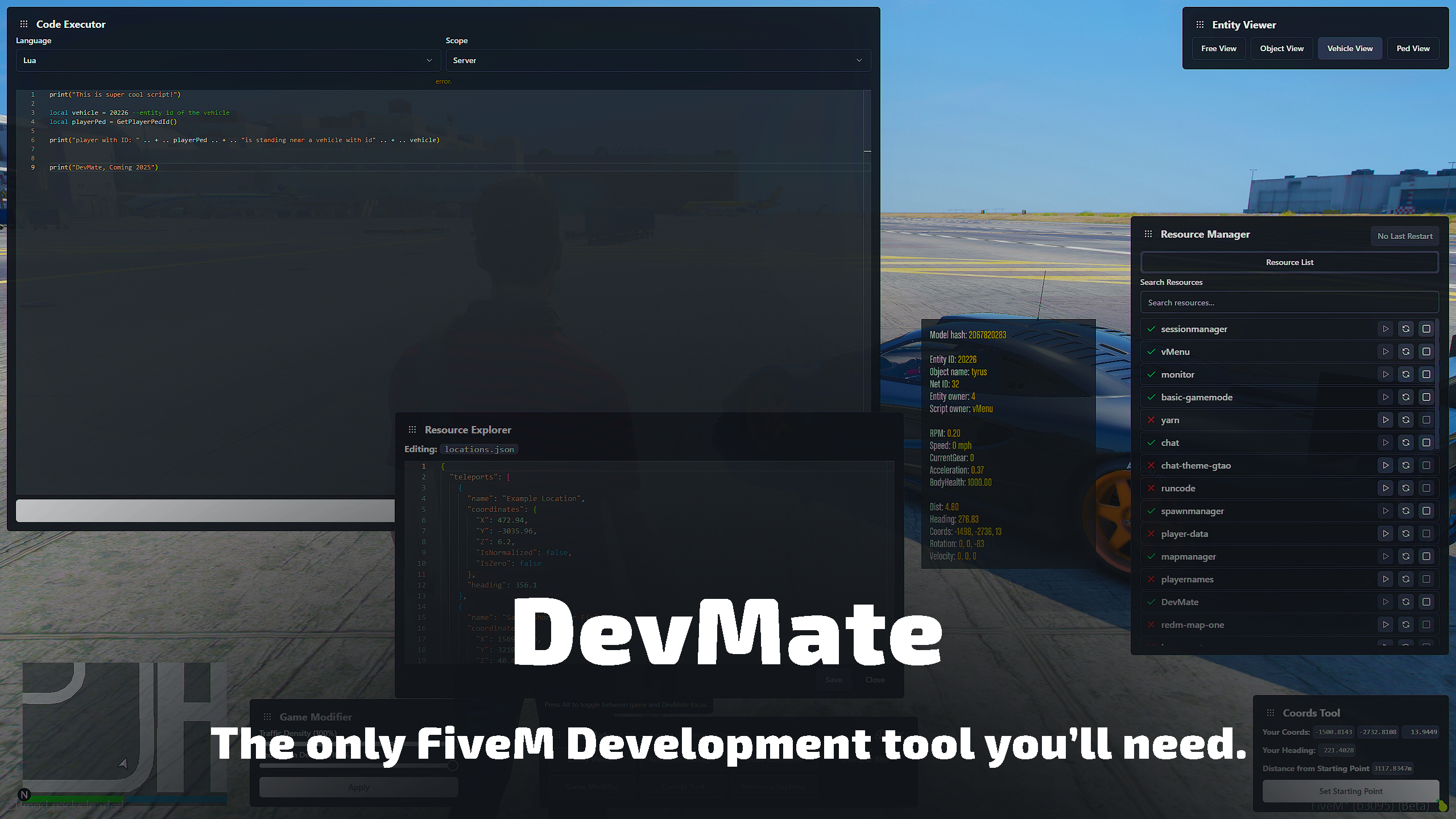
DevMate v1.0.0 feature overview

🚀 DevMate v1.0.0 Release

We’re thrilled to announce the launch of DevMate v1.0.0, a major milestone in FiveM development tooling. This marks the beginning of a new chapter, and we’re excited to share it with you.

Explore our documentation to learn more about the features and get started.


🔧 What’s Next?

The journey is just beginning. While some plans are still under wraps, here’s a sneak peek at what’s coming:

🏎️ Vehicle Editor

  • Real-Time Handling and Physics Adjustments
    Fine-tune vehicle performance with precision.
  • Engine Audio Customization
    Modify engine sounds and update metadata seamlessly.

📍 Entity Tracking

  • Blip Tracking in the Entity Viewer
    Mark any entity in the game world and track its position in real time.

⚙️ Internal Enhancements

  • Transition to a New FiveM Compiler
    Upgrading our tooling for faster development and smoother workflows.

There’s plenty more to come, and we’re excited to share future updates with you. Thanks for being part of the journey!